
The AI video editor that works with your own Claude or ChatGPT.
Tell your AI what you want. It plans the shots, generates video, images, music and voice with 50+ AI tools, cuts to the beat and adds captions — on a real multi-track timeline you can still edit by hand.
 ClaudeClaude Code & Desktop
 ChatGPTvia secure MCP tunnel
Free app · Windows 10/11 (64-bit) · No subscription — pay only for AI generations, from $0.07

Plug in your AI. Talk to your editor.
Kitty AI Studio speaks MCP, the open standard Claude and ChatGPT use to drive apps. Connect the AI you already pay for — or use the built-in Kitty Agent.
Install the app
Download, run the installer, sign in. The editor is free; AI generations use Kitty credits.
Click “Connect AI”
Claude Code: one click adds Kitty (claude mcp add kitty). ChatGPT: start the secure tunnel from the same window.
Just ask
Your AI sees the timeline, plans blocks, shows the price, generates, edits and exports — you approve every paid step.
Works with Claude
Works with ChatGPT
Simple to use. Absurdly powerful.
A full desktop editor with AI built in — not a toy, not a template site.
An agent that edits
Plans scenes, generates them, lays them on the timeline, syncs to the beat and reviews the cut. You stay in control.
50+ AI tools
Video, images, lip-sync, upscaling, music and voice — LTX 2.5, Seedance, MiniMax, GPT Image, Qwen and more, priced per clip.
Kinetic reels
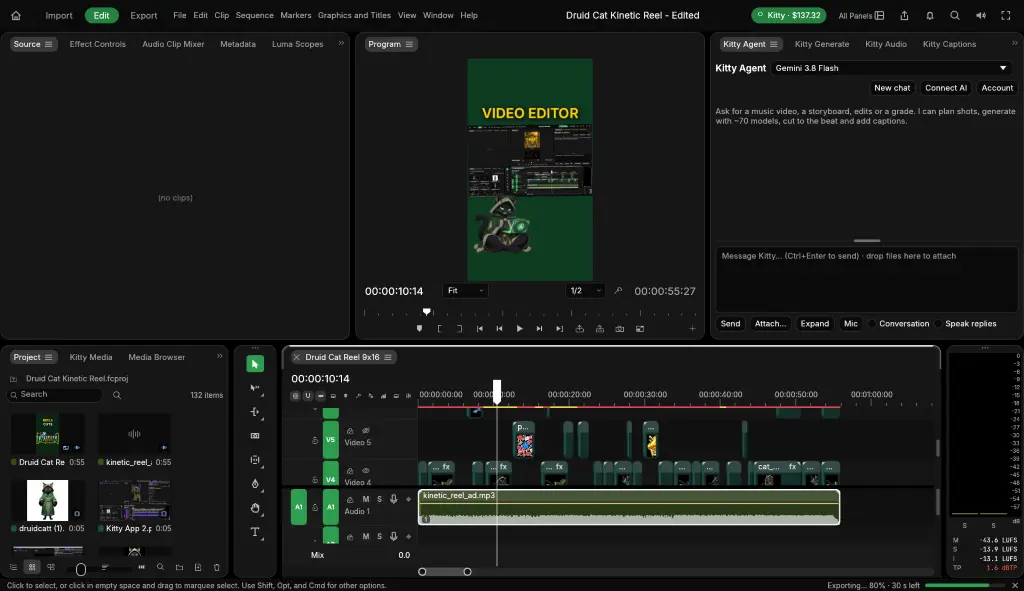
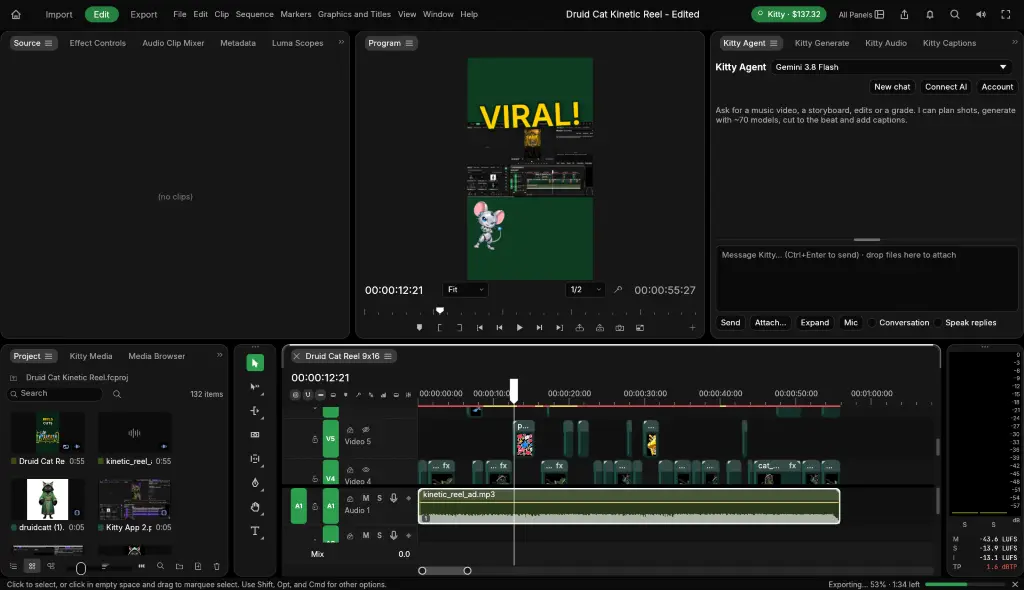
The trending typography reels: animated words, cut-out characters and sound effects, designed frame by frame by Claude.
Captions in one click
Word-perfect transcription and animated caption looks made for TikTok, Reels and Shorts.
A real editor
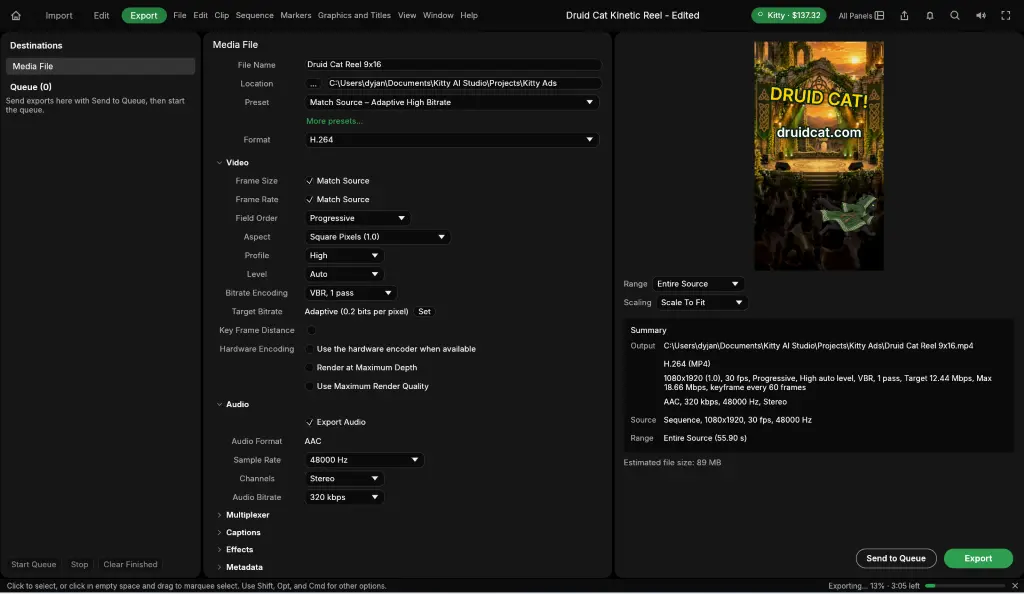
Multi-track timeline, keyframes, transitions, color, masks, VST3 audio plugins, 4K export.
Made for posting
9:16, 1:1 and 16:9 in one project. Batch-produce videos and publish them everywhere.
See the editor
No subscription. Ever.
Questions
Do I need Claude or ChatGPT?
No. Kitty AI Studio has its own built-in agent. Connecting Claude (Claude Code or Claude Desktop) or ChatGPT is optional — it lets the AI you already use drive the editor.
Is the app really free?
Yes. Editing, the timeline, captions styling and export are free. You only pay for AI generations (video, images, music, voice) with Kitty credits, and the price is shown before anything renders.
What computer do I need?
Windows 10 or 11, 64-bit. AI generation runs in the cloud, so you don't need a powerful GPU. macOS is coming.
Can I still edit by hand?
Of course. Everything the AI does is ordinary clips, titles and keyframes on a multi-track timeline — move, trim, recolor and re-generate anything.
Your next video is one sentence away.
Download Kitty AI Studio, connect your AI, and ask for the video you want.
Prefer the browser? Try the online AI studio.