
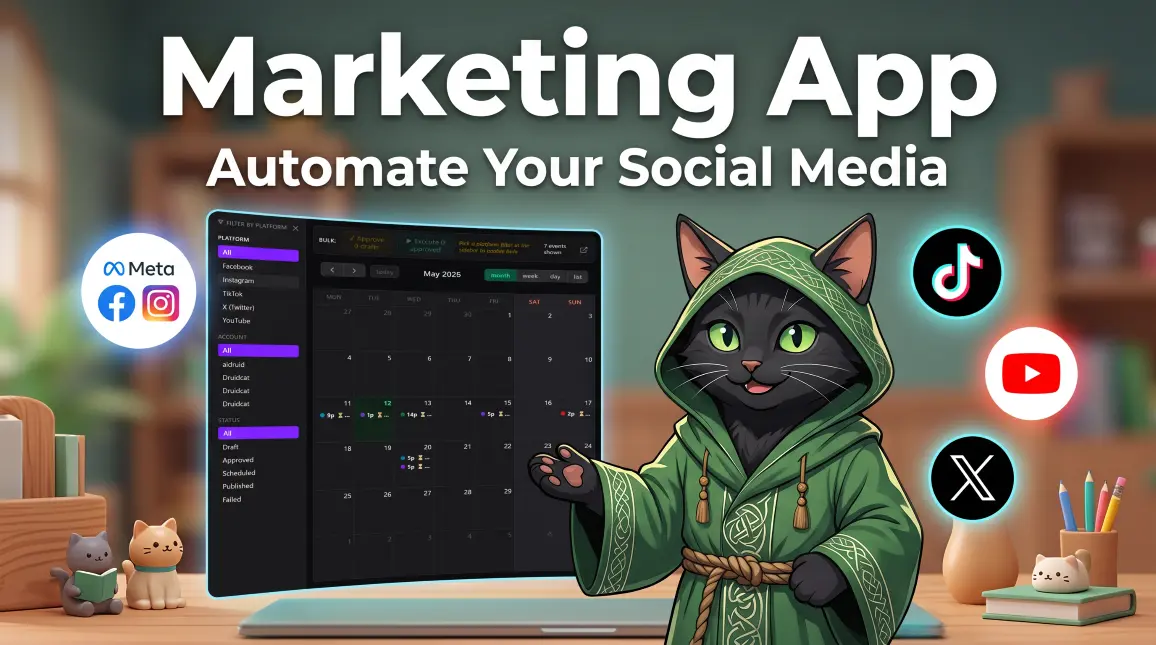
 🚀 Automate Your Social Media
Marketing App
Marketing App is an AI-powered desktop tool that schedules a full month of posts across Facebook, Instagram, YouTube, TikTok & X from a single prompt. The Marketing App AI Agent analyses your media folder, writes captions, picks hashtags, fills your calendar, then opens your pre-logged Chrome browser and publishes each post on its own — humanlike timing, no bot bans.
One App. Five Platforms.
Schedule a whole month of posts, reels, videos and shorts across every major platform — without opening five separate dashboards or copy-pasting captions.
What the AI Agent Actually Does
Point it at a folder of videos and images. Walk away. Come back to a fully scheduled month.
Analyses your folder
Frame-by-frame video analysis + image vision for every file. The Agent understands your content before it writes a single caption.
Writes per-platform captions
Different tone for TikTok vs LinkedIn-style Facebook Page. Hashtags tuned per platform. Titles for YouTube. Threads-ready short form for X.
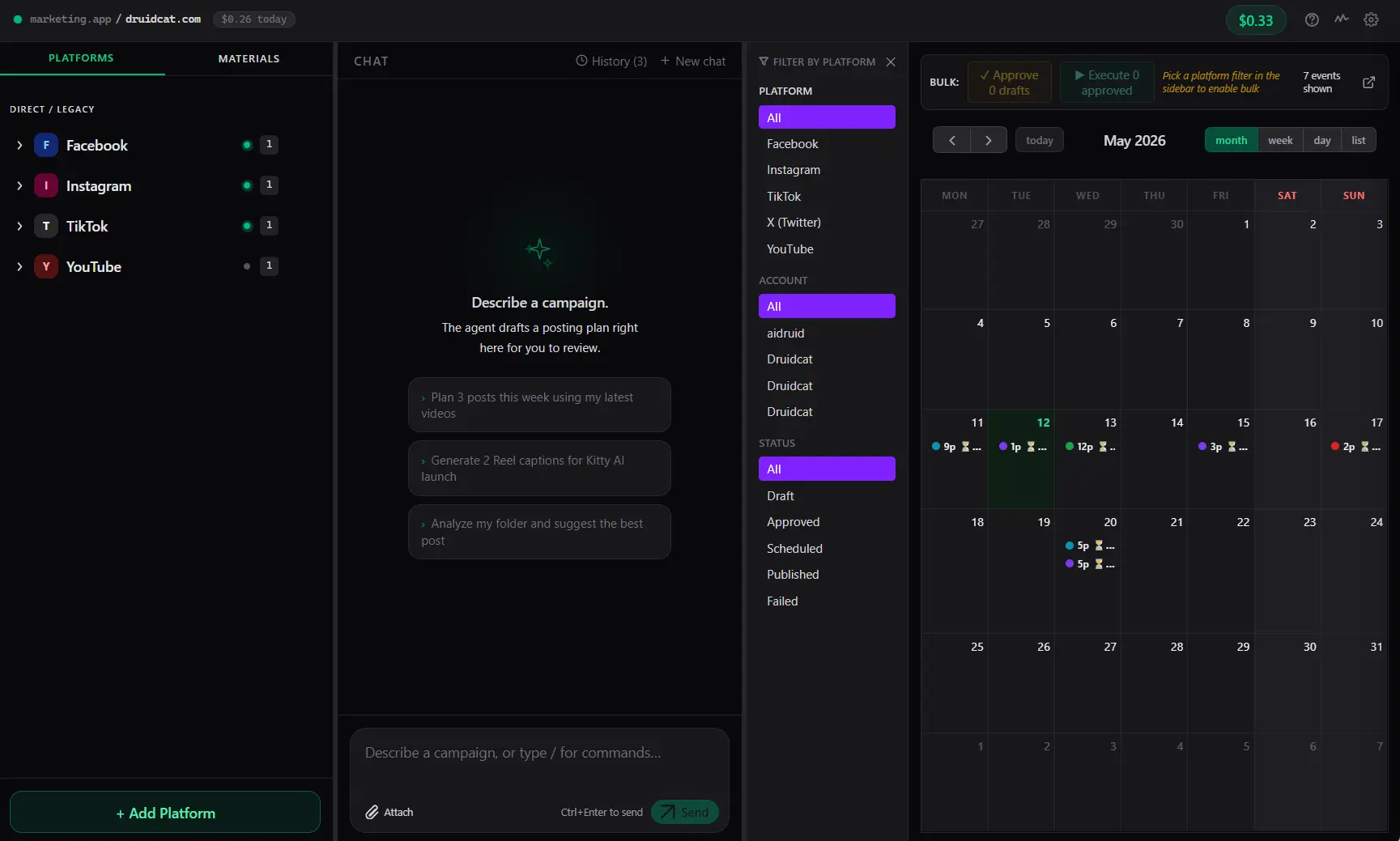
Fills your calendar
Visual month view. Drag-and-drop dates. Approve or edit any post before it goes live — nothing publishes without your green light.
Publishes for you
Opens your pre-logged Chrome, Meta Business Suite, TikTok Studio, YouTube Studio — fills every field, sets every date, clicks Schedule.
Humanlike timing
Natural pauses between posts. Real mouse movements. Built to avoid platform bot-detection so your accounts stay safe.
Speaks your language
Chat with the Agent in Polish, English, Spanish — whatever. It writes posts in the language you choose, with locale-appropriate hashtags.
From Folder to Full Calendar — in 4 Steps
Connect your platforms
Click + Add Platform, log in through your browser. Done once per account.
Point at your content
Drop a folder of videos and images. Tell the Agent: "plan me a month for FB, IG, YT & TikTok".
Review the calendar
Visual month view. Edit any caption, swap dates by drag-and-drop, change hashtags.
Hit Execute
The Agent opens your pre-logged browser and schedules every post on its target platform. Walk away.
Get Your API Token
The Agent runs on pay-per-use Claude API. Generate a token once, paste it into the app, top up credits when you need them — the same wallet powers Marketing App and Kitty AI Studio.
Three clicks to your token
- Go to My Account → API Token (link below)
- Click Generate API Token
- Copy the token and paste it into Marketing App's Settings
Your token is private and only used by the desktop app to talk to our Claude proxy. Each prompt deducts a few cents from your credit balance.
Open API Token Dashboard →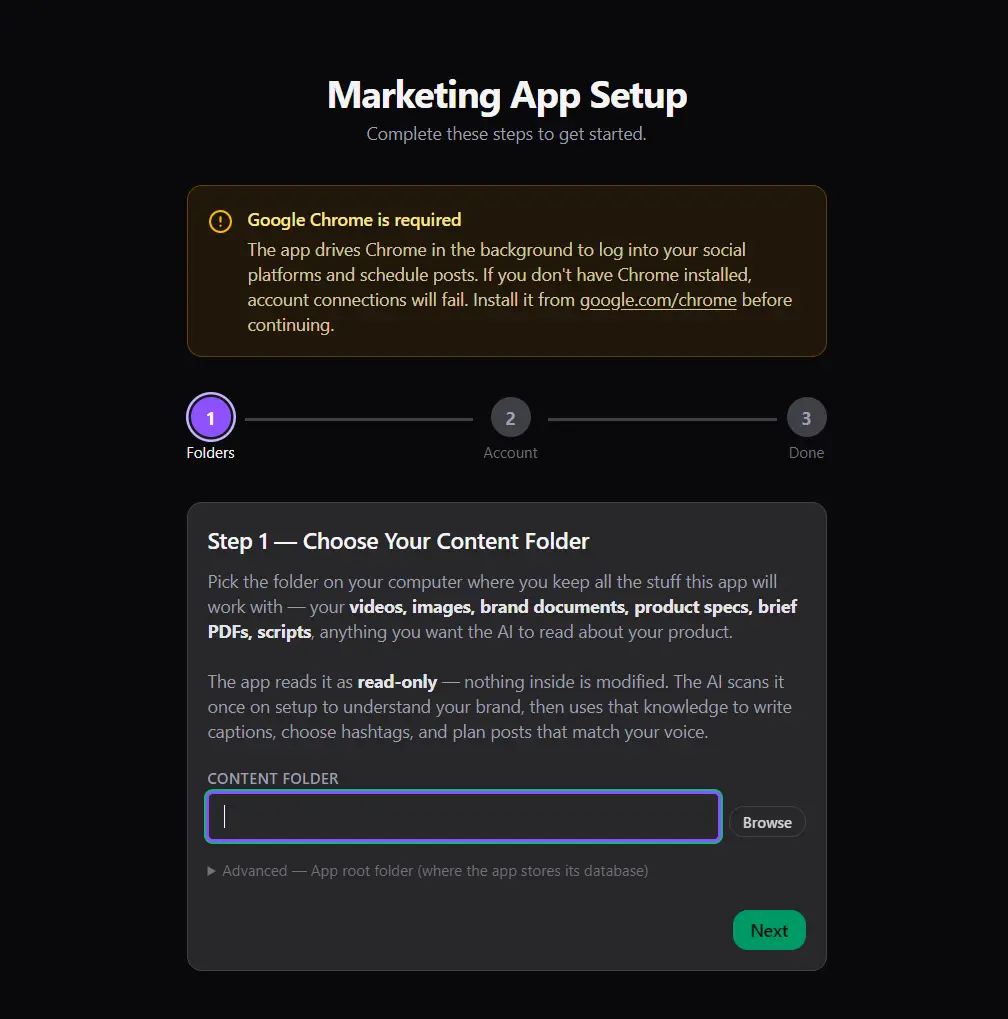
System Requirements
What you need to run Marketing App
| OS | Windows 10 / 11 (64-bit) |
| Browser | Google Chrome (latest stable) |
| RAM | 8 GB minimum, 16 GB recommended |
| Storage | 1 GB free (+ space for your content folders) |
| Internet | Required — for the AI Agent and for each platform during publishing |
| Accounts | Existing Facebook / Instagram / YouTube / TikTok / X accounts that you can log into via Chrome |
Marketing App FAQ
Quick answers about how the Marketing App AI scheduler works, what it costs, and how it keeps your social media accounts safe.
How is Marketing App different from other schedulers?
Traditional schedulers ask you to paste captions, pick hashtags and upload files manually for every post. Marketing App's AI Agent does all of that from a single prompt — it watches the videos, reads the images, writes platform-specific copy, and drives a real Chrome browser to publish. No platform APIs, no paid integrations.
Is the Marketing App safe for my accounts?
Yes. You log in to Facebook, Instagram, YouTube, TikTok and X through your own browser, exactly as you would manually. We never see your passwords — cookies stay on your machine. The Agent then drives that already-authenticated browser with humanlike timing to avoid bot-detection bans.
What does the Marketing App AI cost?
The desktop app itself is free. The AI Agent is pay-per-use, billed against the same credit balance as Kitty AI Studio and Kitty App. Most month-long schedules cost a few cents per platform — typically under a dollar for 30 days of content across five platforms.
Which AI model powers the Marketing App Agent?
Marketing App routes requests through our backend to Anthropic's Claude (Opus 5 by default). The Agent uses Claude's tool-use API to call our custom marketing tools: folder analysis, video vision, browser automation, calendar editing, and per-platform publishing. Generate your API Token →
Ready to stop posting manually?
Install Marketing App on Windows, connect your platforms once, point the Agent at a folder — and watch your calendar fill itself across five platforms in one go.
🔒 Sign in to downloadFree account required to download (anti-abuse). Free to download • Pay-per-use AI Agent.